biosensor readers, firmware to desktop
- Firmware
- Sampling and storage for the PSoC 6 reader, covering 96 circuits, six analog switches, DMA, and memory-mapped QSPI flash.
- Curve classification
- Keras model for six curve-quality and fault classes. Achieved 95% accuracy and 0.93 macro-F1 on a 24,042-curve holdout from a labeled dataset of 71,165 curves.
- Desktop application
- Serial acquisition, native C++ curve fitting, TensorFlow.js classification in worker threads, run-file saving, and communication with the robot server.
- Analysis
- diracwhere v0.2.6, a self-hosted web app and command-line tool that analyzes raw voltage data and records how each result was produced.
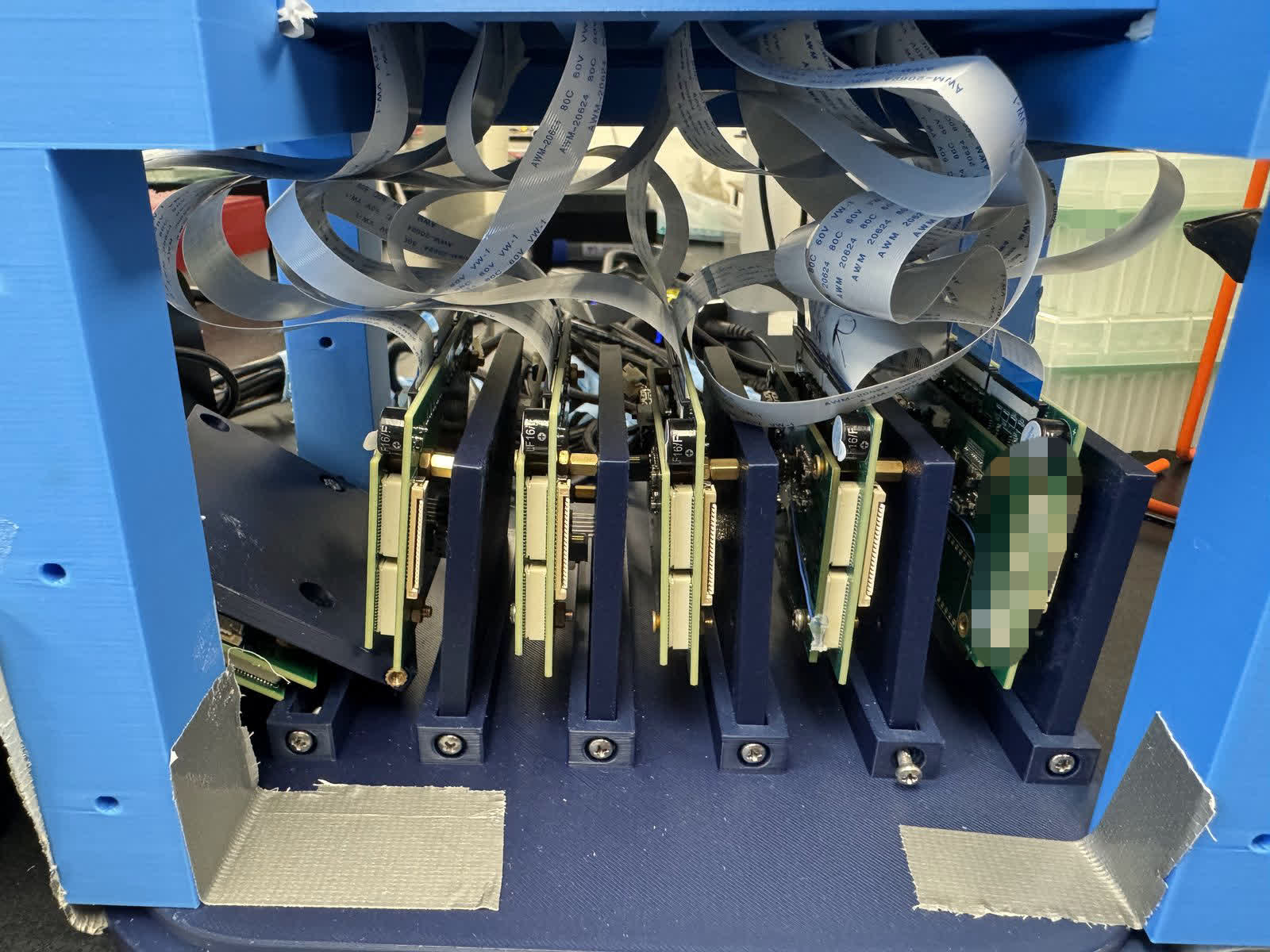
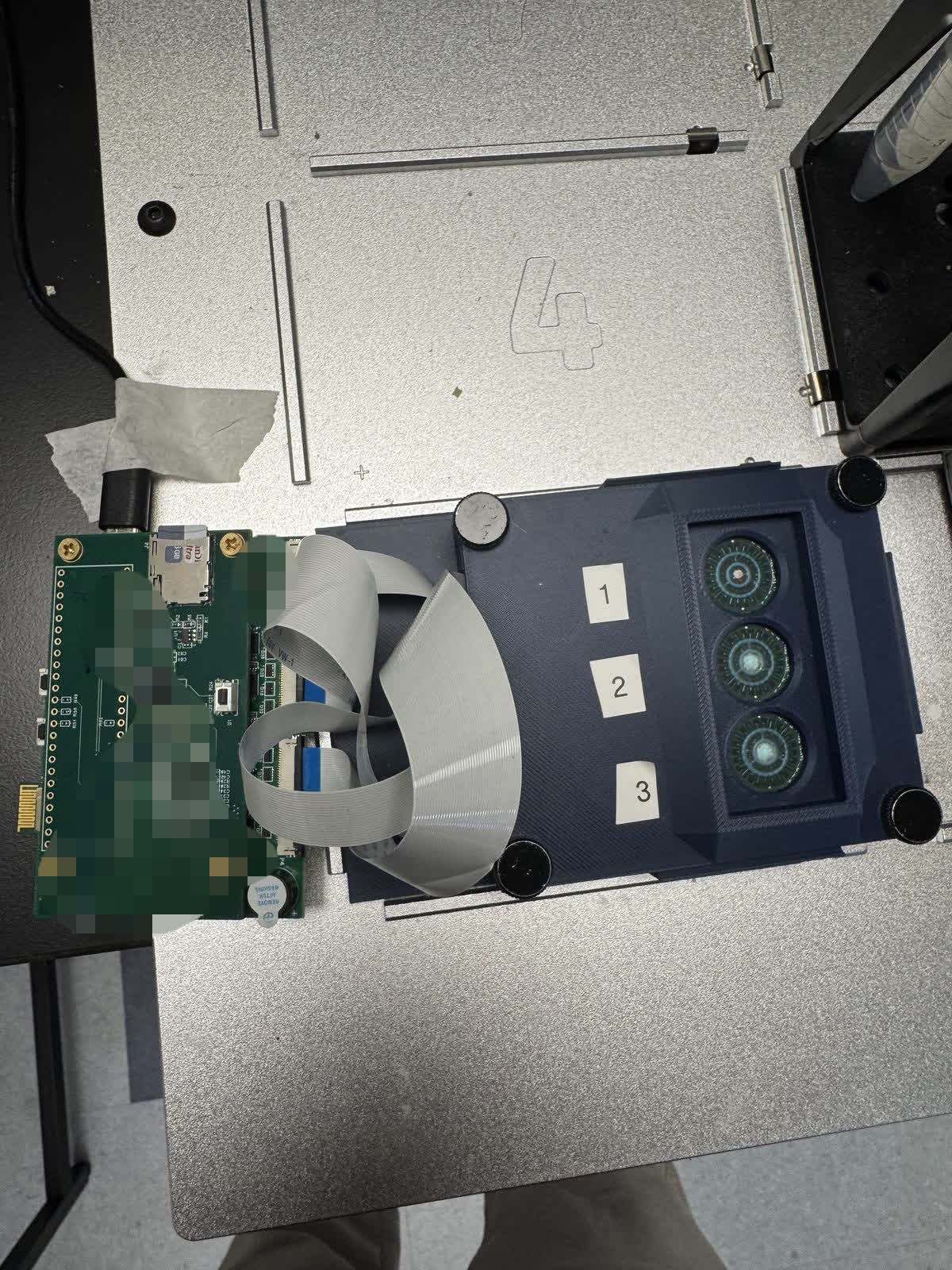
The reader measures up to 96 sensing circuits. HemWare controls acquisition, fits and classifies the resulting curves, and saves the data for analysis in diracwhere.
I developed diracwhere and DiracNet, wrote most of HemWare, and worked on the firmware’s sampling and storage with one colleague.
Reader firmware
The Gen7 reader uses a PSoC 6 to sample up to 96 circuits through six analog switches. Samples are stored in memory-mapped QSPI NOR flash.
My work included updating the DMA descriptors for 96 circuits, correcting ADC read timing to wait for the interrupt handler, and fixing stale register values that appeared as false signals.
Curve quality classification
I trained a small Keras network to classify curves into six categories: good, dead, shoulder, clipped at the upper rail, clipped at the lower rail, and gate leakage.
The dataset contained 71,165 labeled curves and was split randomly. On the 24,042-curve holdout, the model achieved 95% accuracy and 0.93 macro-F1. Model versions are stored in a registry organized by date.
I also built an active-learning labeling interface that displayed model predictions while curves were being labeled. Training used time-mirrored curves as augmentation so the model could recognize the same shape in either direction.
To run the model in HemWare, I removed the explicit input layer so the export could be loaded by TensorFlow.js. The model runs inside the desktop app and classifies curves during acquisition.
HemWare desktop application
HemWare communicates with the reader over serial, fits curves using Ceres through a native C++ N-API addon, and runs the classifier in worker threads. It saves the acquired data and results in a run file.
The app also exchanges start, progress, and completion events with the robot server. These events update the progress display for the lab automation cell.
Acquisition adapts to the connected board configuration. Separate instrument profiles handle timing differences between two readers within the same app.
diracwhere analysis software
I released diracwhere at v0.2.6 as a self-hosted web application with a command-line interface. It uses Python’s standard-library HTTP server and includes Plotly locally, so it does not fetch dependencies at runtime.
Analyzers work from the raw voltage arrays rather than the hardware’s preprocessed summaries. Each result records the analyzer, its version, and a hash of the source curve. Additional analyzers and filters can be added as plugins without changing the core application.
Benchmarks recorded in the repository documentation include:
- Fitting 3,312 curves in 11 seconds with a cold cache.
- Processing the same set in 3.3 seconds with a warm cache.
- Opening indexed detail views in about 2 milliseconds.
For the lab’s Windows machines, I added double-click launchers that create a Python virtual environment and find an available port. The file picker runs in a separate process to work around a Windows event-loop bug.
The tools share a JSON file format. The authoring tool defines experiments
in .exp files, and HemWare saves acquired runs in .exprun files for
analysis. These records connect experiment setup, functionalization,
measurements, curve classifications, and analysis results.